
Best Sticker Material for Laptops (2025 Guide)
From the StickShop studio bench.
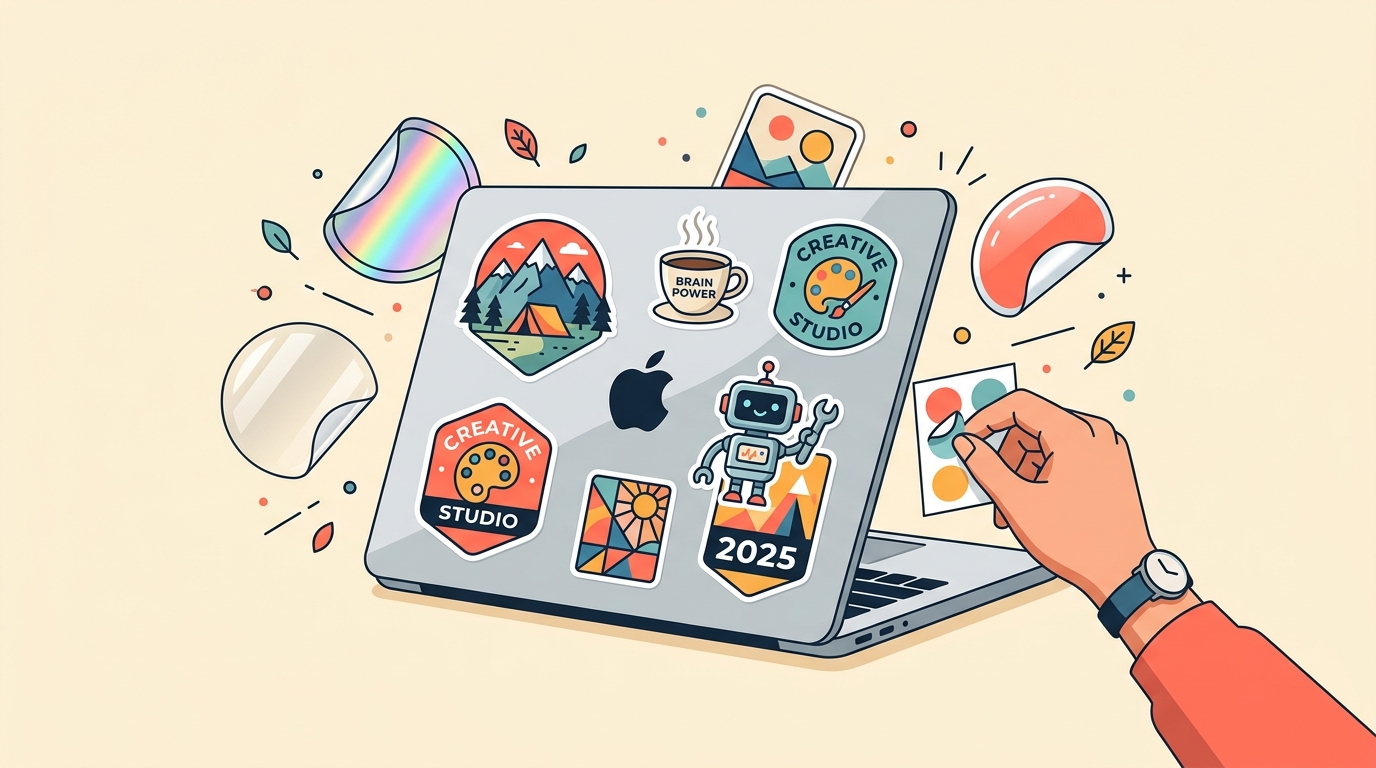
Best Sticker Material for Laptops: Your 2025 Guide 🎛️
Your laptop is basically a moving billboard. Whether you're hauling it to UP Diliman, setting it up at a coffee shop in BGC, or packing it for a trip to Cebu — people will see it. So if you're going to cover it in stickers, you might as well do it right.
Not all sticker materials survive daily bag life. Some peel at the corners after a week. Some fade under aircon vents. Some look incredible on day one and heartbreaking by month three. This guide breaks down every material available at StickShop so you can order with confidence — no regrets, no bubbles, no embarrassing peeling edges.
Why Material Matters More Than Design
A stunning design printed on the wrong material is a waste. Laptop stickers face real-world abuse: friction from sleeves and bags, heat from the machine itself, humidity (hello, PH weather), and the occasional accidental wipe-down with a damp cloth. The material determines how long your sticker survives all of that.
Here's what you actually need from a laptop sticker material:
- Strong adhesive that grips without destroying your laptop surface when removed
- Scratch resistance because bags are brutal
- Water resistance because iced coffee spills happen
- Dimensional stability so edges don't curl in the heat
Let's go material by material.
Vinyl Glossy vs. Vinyl Matte: The Classic Debate
Vinyl Glossy
Glossy vinyl is the default for a reason. It's vibrant, punchy, and makes colors pop like a neon sign at Divisoria. The laminated surface resists water and light scratching. If your design has bold colors, strong contrast, or fine linework, glossy is your friend.
The one downside on laptops specifically: fingerprints and glare. Under fluorescent office lighting or a ring light, glossy stickers catch reflections. If that bothers you, keep reading.
Vinyl Matte 🖥️
Vinyl matte stickers are the quiet confidence pick. No glare. No fingerprints. The surface has a soft, almost velvety finish that looks premium in person — the kind of thing people lean in to look at. Colors are slightly more subdued than glossy, but skin tones, pastel palettes, and minimalist designs absolutely sing on matte.
For laptop covers specifically, matte vinyl is our top recommendation. It feels intentional. It photographs well. And it holds up just as long as glossy — years, not months, when applied correctly.
Best for: Aesthetic flat-lays, minimalist UGAT Lahi-inspired designs, portfolios, anything you want to look editorial rather than flashy.
Holographic Stickers: For When You Want to Be Seen
Holographic stickers shift color as the light angle changes. Silver base, rainbow interference, movement. They're loud. They're unapologetic. They are absolutely the right call for K-pop photocards, idol fan art, and anything that needs to say "I have opinions and I am correct about them."
On a laptop, holographic stickers work best as accent pieces rather than full coverage. One or two holographic focal points surrounded by matte stickers creates contrast that's genuinely striking. Full holographic coverage can get visually noisy — but honestly, some setups pull it off.
Durability is solid. The holographic film has its own lamination layer, so it handles daily bag friction well.
Best for: K-pop fan setups, creative portfolios, anyone who wants their laptop to look like it belongs in a music video.
Clear Stickers: The Invisible Magic Trick
Clear stickers print your design on transparent film. No white background. The sticker appears to float directly on your laptop surface, like the design was painted there.
This is a genuinely different aesthetic from any other material. It's subtle but sophisticated. Logo stickers for small-business owners look incredibly professional on clear — think the clean window-graphic look without the window. Watercolor illustrations and designs with soft edges particularly benefit from clear material because there's no hard rectangular border interrupting the flow.
One thing to plan for: your laptop color shows through. A white design on a black laptop becomes essentially invisible. Think about contrast before you order.
Best for: Small-business owners who want logo stickers on their work laptop, minimalist aesthetics, designs that would look better without a background.
Glitter Stickers: Commitment to the Bit
Glitter stickers are exactly what they sound like — chunky, sparkly, full-on glam. The glitter is encapsulated in the material, so you're not shedding sparkle everywhere (a common misconception). The finish is textured and dimensional in a way that no other material replicates.
On laptops, glitter stickers are a statement. They're not subtle. They're for the person whose setup includes a pink mechanical keyboard and a custom mouse pad and they want everything to match. That person is valid. We support them fully.
One practical note: glitter material has a slightly thicker profile than other vinyls. This is unnoticeable in daily use, but worth knowing if you're particular about your laptop sleeve fit.
Best for: Fashion, beauty, lifestyle branding, K-pop fan art, anyone whose personality is "more is more."
Mirror Silver and Gold: The Wildcard
Mirror silver stickers have a chrome-like reflective surface that literally mirrors the world around them. Mirror gold does the same with a warm metallic tone. These are unusual on laptops but when they work, they really work.
Typically, mirror stickers work best as single-element accents — a logo, a monogram, a geometric shape. They're high-contrast by nature, so busy designs can get lost in the reflection. Think of them as jewelry for your laptop rather than wallpaper.
Best for: Logo accents, brand marks, anything where you want a premium metallic finish.
What About Glow-in-the-Dark and Eco Paper?
Glow-in-the-dark stickers are genuinely fun for laptop setups if you're the kind of person who works with the lights off (we know you exist). They charge under ambient light and glow green — great for gaming setups, late-night study vibes, or just confusing your roommates.
Eco paper and kraft stickers, on the other hand, are not recommended for laptops. They're not water-resistant and they'll degrade with heat exposure. Save those for packaging, journaling, and sari-sari store signage where they're absolutely perfect.
How to Apply Stickers to Your Laptop Without Ruining Either
Material is only half the equation. Application matters.
1. Clean the surface first. Isopropyl alcohol on a lint-free cloth. Let it dry completely. Any oil or dust will compromise adhesion. 2. Peel slowly from a corner. Don't rush. Don't bend the sticker. 3. Apply from one edge, pressing outward. Use a card to smooth bubbles toward the edges. 4. Wait 24 hours before stressing the sticker. Let the adhesive cure properly.
For removal: gentle heat from a hair dryer on low softens the adhesive. Peel slowly. Any residue comes off with isopropyl alcohol.
Quick Reference: Which Material for Which Laptop Situation
| Situation | Recommended Material | |---|---| | Daily commuter, bag friction | Vinyl matte or glossy | | K-pop fan setup | Holographic + glitter | | Small biz logo on work laptop | Clear or mirror silver | | Gaming / night-mode aesthetic | Glow-in-the-dark accents | | Minimalist / editorial look | Vinyl matte | | Maximum personality, no apologies | Glitter + holographic combo |
Order Custom Laptop Stickers at StickShop
All StickShop stickers are custom die-cut to your exact shape — no awkward rectangles, no ugly borders, just your design cut precisely. Upload any artwork, choose your material, pick your size, and we handle the rest.
Free shipping nationwide on orders ₱500 and up. Designed in the Philippines, made for Philippine life — from the humidity of Manila to the sea air of Siargao.
Your laptop deserves better than generic stickers from a mall kiosk. Let's fix that.
Studio notes
Want this in your inbox?
One short note a week, when we publish something new. No promos.